Rig and animate creatures online
MonRig is a browser tool that rigs and animates creatures that are not humanoids: four-legged animals, dragons, birds, insects and spiders, snakes, fish, slimes and more, 22 body types in all, and humanoids too. You upload an FBX, GLB or OBJ mesh and give it a skeleton, and MonRig generates its animations procedurally: idle, walk, run, jump, attacks, hurt, defeat and more. The bake delivers FBX and GLB files for Unity, Unreal Engine, Godot, Blender and three.js. Rigging and previewing is free.
Start freeSee rigged creatures
Automatic, or do you place the bones?
Both, and you pick per creature. All three ways end at the same editable skeleton:
- Build skeleton: a ready-made skeleton for the body type (dog, spider, dragon, snake…). You drag its joints onto the mesh.
- Guided Rig: you click a handful of landmarks (nose, feet, tail tip) on a side and a front view, and the fitter places the whole skeleton from them and rates the fit green, yellow or red.
- Auto Rig: an AI model places those landmarks for you whenever a GPU worker is online; you check them, nudge any that are off and fit. This is the only step where MonRig uses AI.
The animation is always automatic. Every clip is generated from the skeleton's roles (hip, hind foot, wing tip, tail) instead of being copied from a motion-capture library, which is why one engine animates a centipede and a giraffe. You steer the result with dials such as stride length, foot lift, body lean or tail carriage, and you never set a keyframe unless you want to.
Every body type, one page each
What you get
- 16 core clips for every creature (a humanoid starts from its own set): Idle, Walk, Run, Run2, Jump, Hurt, Defeated, Attack_1, Attack_2, MagicAttack, BeamAttack, Idle2, Victory, Spawn, Sleep, Dodge.
- 37 optional clips the anatomy allows: bites, claw, tail and wing attacks, a sting, kicks, rolls, a roar, sitting, sword swings and casts for humanoids, and more. A creature without wings is never offered a wing attack.
- The skinned mesh with every clip as FBX (Unity, Unreal, Blender) and GLB (Godot, three.js, Blender), with stable clip names, so a re-bake never breaks your animator.
- For Unity: drop-in editor scripts that build the AnimatorController, the loop flags and the animation events (impact frames, hitbox windows) on import.
- A check of every clip in the bake: feet through the floor, a hovering body, a tear in the mesh, each named with the bone that caused it.
Who it is for
Game developers with a roster of creatures to animate, a monster-collecting game, a bestiary, a zoo of enemies, who would otherwise rig and animate every one by hand. It works with sculpted, hand-modelled and AI-generated meshes alike (exported from Meshy, Tripo, Rodin or any other tool as FBX, GLB or OBJ). AI coding agents can drive it too, through its MCP server.
Coming from Mixamo? It rigs humanoids only; here is how MonRig compares for animals and creatures. Weighing other tools? Creature rigging tools compared, side by side.
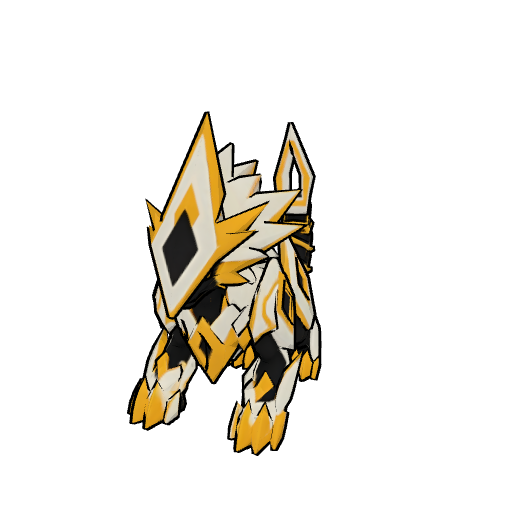
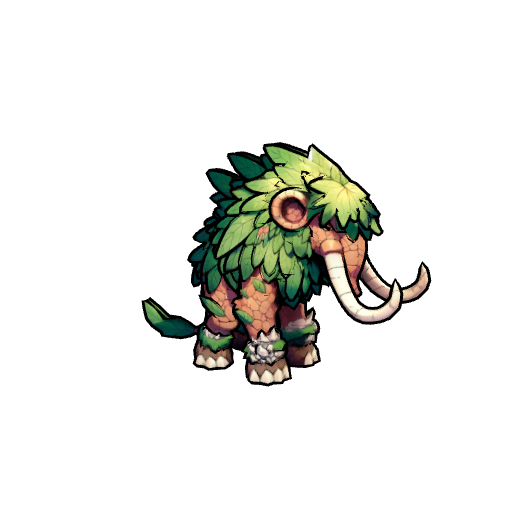
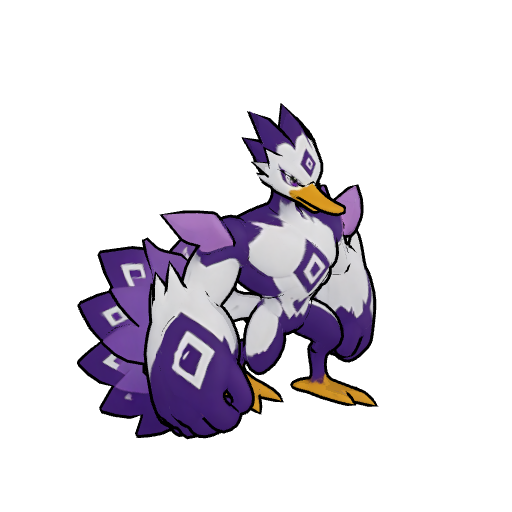
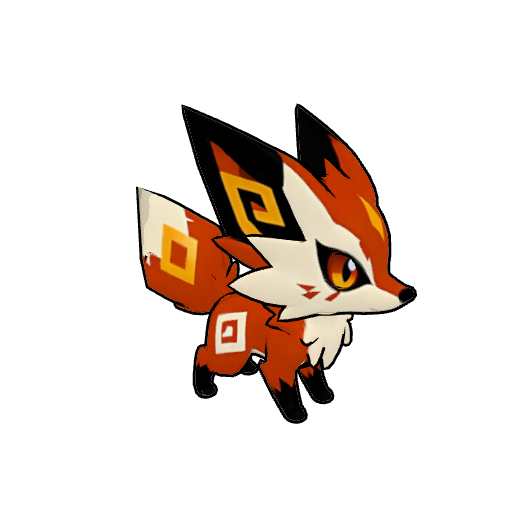
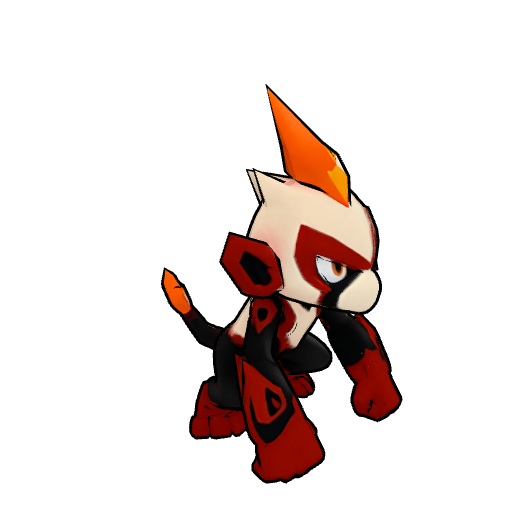
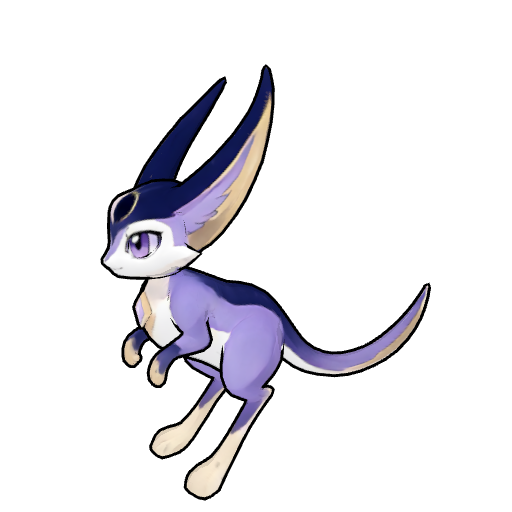
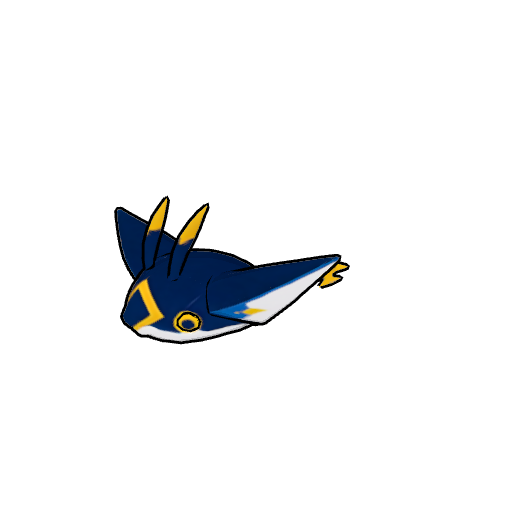
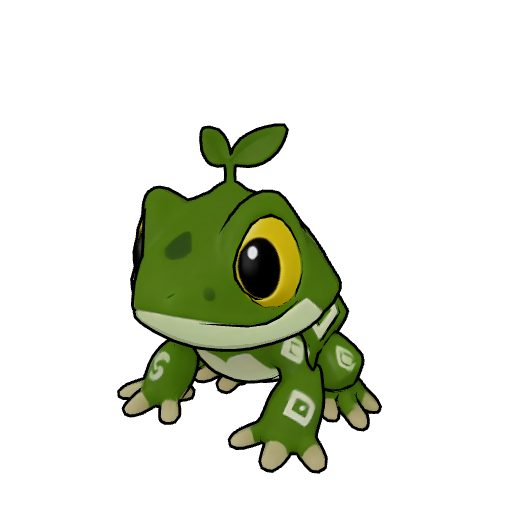
Creatures rigged with MonRig
Questions people ask
Is there software to rig and animate creatures online?
Yes. MonRig runs in the browser and is built for creatures that are not humanoids: four-legged animals, dragons, birds, insects and spiders, snakes, fish, slimes and more, 22 body types in all, and humanoids too. You upload an FBX, GLB or OBJ mesh, give it a skeleton, and MonRig generates a full animation set for it, then bakes it as FBX and GLB for Unity, Unreal, Godot, Blender or three.js.
Is the rigging automatic, or do I place the bones myself?
You choose. Build skeleton gives you a ready-made skeleton for the body type and you drag its joints onto the mesh. Guided Rig asks you to click a handful of landmarks (nose, feet, tail tip) on a side and a front view, fits the whole skeleton to them and rates the fit green, yellow or red. Auto Rig places those landmarks for you with an AI model whenever a GPU worker is online; you check them and fit. The animation is always automatic: every clip is generated from the skeleton, and you only steer it with dials.
Can I auto-rig a quadruped or four-legged animal?
Yes. Four-legged walkers have their own starter skeletons (dog, cat, horse, elephant, giraffe, dragon, griffin and more), Guided Rig fits them from a few clicks, and the walk, run and gallop are generated with the feet planted on the ground.
How do I rig and animate a dragon?
Pick the body type by how the dragon moves: a four-legged dragon with folded wings rigs as a four-legged walker with wings, a dragon that lives in the air as a flyer (its Walk and Run are slow and fast flight), and a wingless eastern dragon as a wyrm. Wing attacks, bites, tail whips and a roar are among the optional clips.
Is there a Mixamo for animals and creatures?
Mixamo's auto-rigger and its animation library are made for humanoid characters. MonRig covers the creatures it leaves out: it rigs four-legged animals, dragons, insects, snakes, fish and more, and generates their animations procedurally instead of retargeting motion capture.
Can I rig a creature with six, eight or more legs?
Yes. Insects, spiders, scorpions, centipedes, lobsters and crabs have starter skeletons; the legs are grouped into rows from front to back and walk in the alternating rhythm such animals use, and crabs scuttle sideways.
Does it work with models from AI 3D generators such as Meshy, Tripo or Rodin?
Yes, if you export them as FBX, GLB or OBJ. MonRig rebuilds every upload from its geometry, so any skeleton the file already carries is left out and replaced by MonRig's. The model should show one creature in a neutral pose, standing as it would at rest.
Can I use the animations in Unity, Unreal Engine or Godot?
Yes. Every bake delivers the skinned mesh with all its animations as an FBX (Unity, Unreal, Blender) and as a GLB (Godot, three.js, Blender). Unity also gets drop-in editor scripts that build the AnimatorController and the animation events on import.
Do I need to know how to rig or animate?
No. You never paint weights or set keyframes unless you want to: the skin weights are computed for you and every clip is generated. Dials such as stride length, foot lift, body lean or tail carriage change how a clip looks.
Is it free?
Rigging up to three creatures by hand and previewing their animations live in the editor is free. Baking the finished FBX and GLB and downloading them come with a purchase, a credit pack or a plan, paid once per creature; re-bakes of an unlocked creature are free. Every account gets three free Auto Rig runs. Prices: credit packs from €10 (100 credits); plans Indie €19 a month (250 credits) and Studio €49 a month (1,250 credits), yearly with two months free; a creature costs 10 credits once, on its first bake, and every re-bake and download of it after that is free. Prices include VAT.